Settings
Copies
The exports kept on the site — download, open in Playground, copy the link, import, delete — and how their links work.
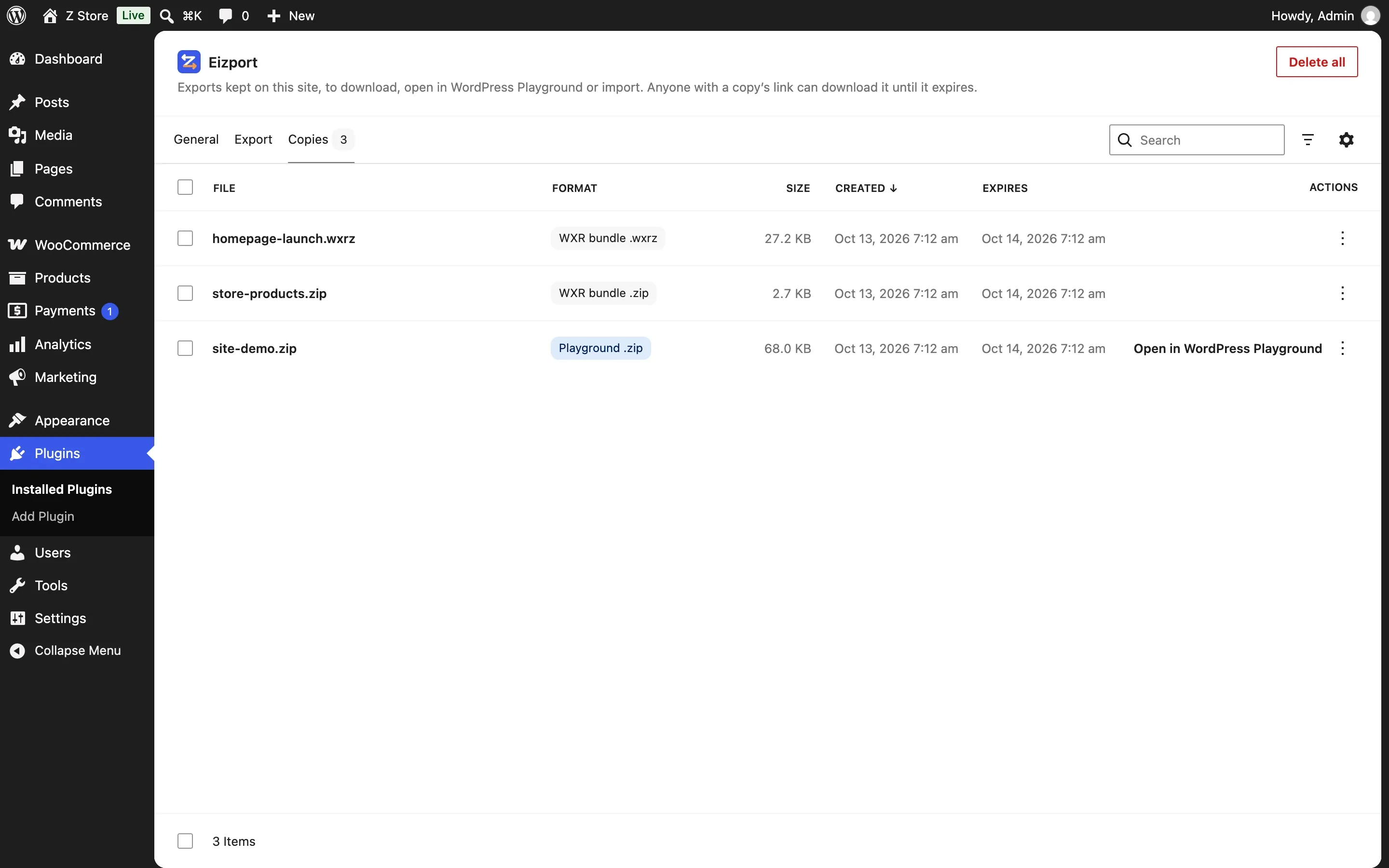
Every export from the new screen or the ability is kept as a copy in wp-content/uploads/eizport/tmp/, listed like the Media Library: search, sort, filter by format.
Actions
| Action | For |
|---|---|
| Open in Playground | Playground .zip copies: opens playground.wordpress.net with the copy’s link |
| Download | Every copy |
| Copy link | Every copy: anyone with the link can download it until it expires |
| Import | Bundles and WXR files: imports into this site |
| Delete permanently | One, several (check them) or Delete all in the header |
Links and privacy
A copy’s link is meant to be shared with Playground or a teammate, not found by anyone else:
- A token like a password: the name ends in a random 16-character token (
site-w9bjZ9pyEWxC8VMf.zip, from a cryptographic generator), so the link can’t be guessed. The list shows the name without it (site.zip); hovering shows it whole. - Served by PHP, only until it expires: the link goes through WordPress (
?eizport_playground=<name>), which checks the expiry and sends the CORS headers Playground needs. - Out of search engines: the response carries
X-Robots-Tag: noindex, nofollow, noarchive, and the site’srobots.txtgetsDisallowrules for the copies’ folder and links. - No direct access:
uploads/eizport/.htaccessdenies direct requests on Apache and LiteSpeed, and every folder has anindex.php, so nothing is listed. On nginx,.htaccessdoesn’t apply; deny/wp-content/uploads/eizport/in the server’s configuration for the same effect — the token, the expiry and robots.txt still protect the files.
Don’t keep copies of content that must stay private.
On a local site
Copies made on a local site (WordPress Studio, localhost) open on playground.wordpress.net too: Playground runs in your browser, which can reach your local server. The link works only on your computer — perfect for testing a demo before sharing it.
Cleanup
Expired copies are deleted by a cron event and on the next use; the tmp/ folder itself goes once it is empty. Uninstalling the plugin deletes uploads/eizport/.