Settings
Export settings
The plugin's Settings → Export — attached media, linked settings, .zip bundles and content as .html files.
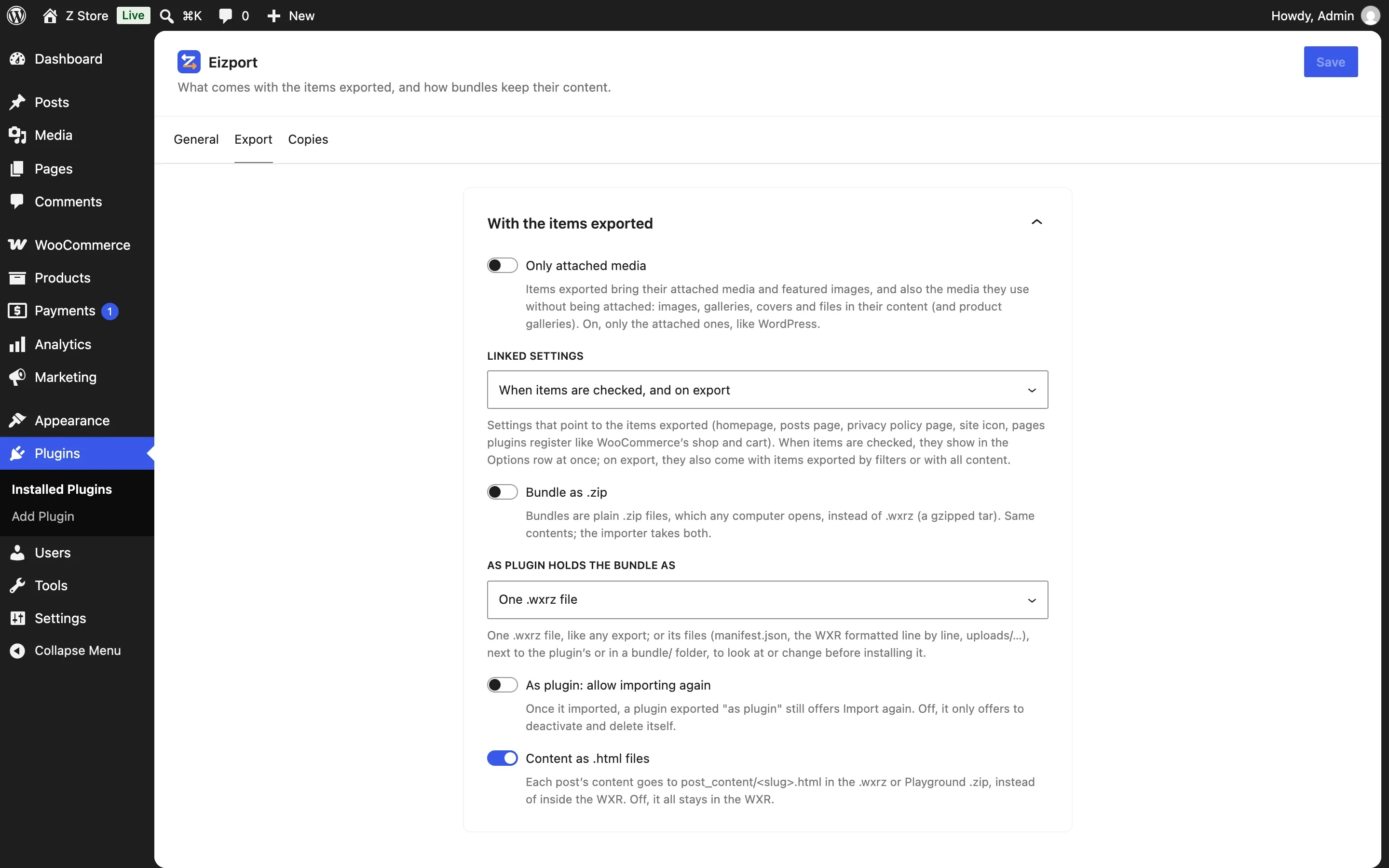
All in one card, With the items exported:
| Setting | Default | Per export (eizport/export) |
|---|---|---|
| Only attached media — items bring only their attached media and featured images, as WordPress does, not the media used in their content (media) | Off | media_used |
| Linked settings — when settings that point to the items exported come along: when items are checked and on export, when checked, on export, never (options) | Both | options.linked |
Bundle as .zip — bundles are plain .zip instead of .wxrz (ZIP bundle) |
Off | zip |
| As plugin: allow importing again — a plugin exported as plugin still offers Import again once it imported | Off | — |
As plugin holds the bundle as — in a plugin exported as plugin: one .wxrz file, or its files next to the plugin’s, or in a bundle/ folder |
One .wxrz file | — |
Content as .html files — each post’s content in post_content/<slug>.html |
On | post_content |